
The Impossible Things app

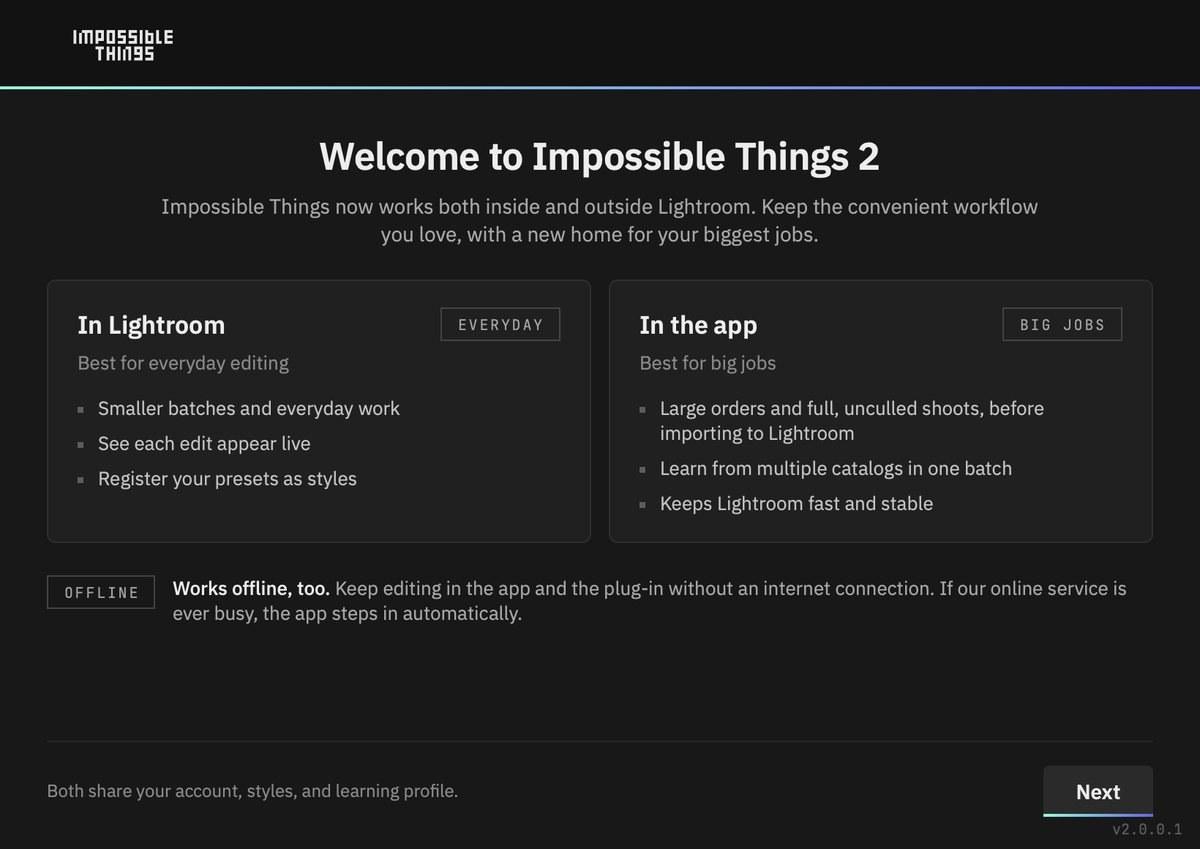
Impossible Things 2 works in two places that share one account, your styles and your learning:
- The Lightroom Classic plug-in is for everyday editing. Select photos in your catalog and watch each edit appear live.
- The desktop app is for big jobs. Point it at a folder of whole, unculled shoots, straight off the card, and let it edit, cull and build a Lightroom catalog before you import.
The app is part of Things Complete. On Things Edit, everything happens in Lightroom Classic with the plug-in.
The three tabs
- Edit – edit a folder of RAW photos with one of your styles. Optional extras: Create Catalog, Cull and Watch Folder. See How to edit with Impossible Things.
- Select – cull a folder. Impossible Things marks keepers and rejects with flags, color labels or stars. See How do I Install and Start the Culling Plugin?.
- Learn – teach Impossible Things from your past Lightroom catalogs. See Learn.
Lightroom or the app?
- A few dozen photos already in your catalog: use the plug-in.
- A whole wedding or event straight off the card: use the app. It can edit, cull and build the catalog in one pass.
- Years of past work to learn from: use Batch Learn in the app.
Do I need to keep the app open?
No. Closing the window keeps Impossible Things running in the menu bar (Mac) or system tray (Windows). Choose Quit from its icon to close it completely. The plug-in starts the app's engine in the background whenever it needs it: for culling, for offline editing, and as a backup when our online service is busy.
To open the app from Lightroom, go to File ▸ Plug-in Extras ▸ Impossible Things ▸ Launch the App.
Help inside the app
- Help ▸ User Guide – the full guide, in your language.
- Help ▸ Show Tutorial – replay the first-run walkthrough.
- Help ▸ Get Help Online... – ask our support assistant.
Learn more: The Impossible Things App on the Impossible Things blog.