
Quick Tune

Quick Tune calibrates a preset's exposure and white balance to your taste in about a minute. It uses a sample image bundled with the plug-in, so you need none of your own photos, and it uses no edit credits. Tuning is saved per preset to your account and follows you to any computer.
When to run it
- Before your first edit with a preset you use regularly.
- Once more after updating to 1.98 or later. The HELIOS engine predicts exposure and white balance differently from the previous engine, so any tuning saved before 1.98 should be measured again.
- Any time later, to keep a preset calibrated. The sample image is shown with your current tuning and learning already applied, so a retune only measures what is still off.
Quick Tune is a recommendation, not a requirement. HELIOS is pre-tuned and gives good results without it.
How to run Quick Tune
- Go to File ▸ Plug-in Extras ▸ Impossible Things ▸ Quick Tune.
- Pick the Preset folder and Preset, then click Start tuning.
- The plug-in imports a sample image into your catalog with the preset applied. Adjust its exposure and white balance to taste in Develop.
- Open Quick Tune again. The difference is saved as the preset's tuning, and the sample image is removed from your catalog.
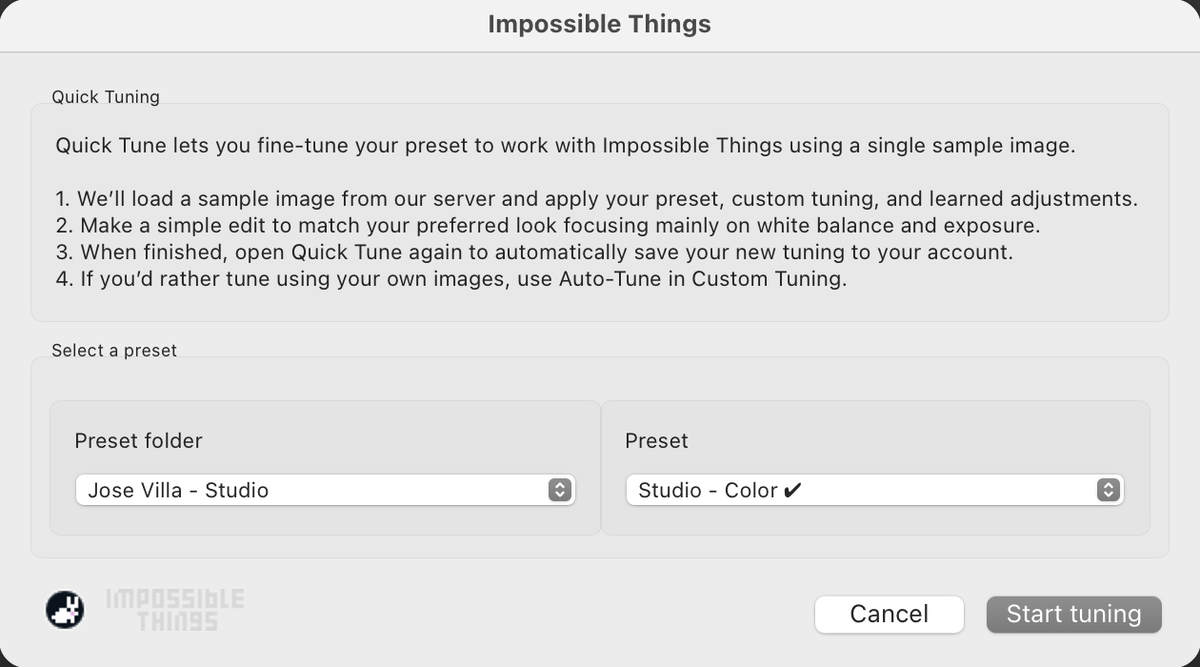
Repeat for each preset you edit with regularly. Once a preset is tuned, Learn is how your results improve from there.
If Quick Tune saves nothing
The save happens when you open Quick Tune the second time, and only adjustments on the sample image the plug-in selected count. If you see "The preset tuning image could not be found", make sure nothing else is importing, then run the DVLOP Installer again to repair the plug-in.